
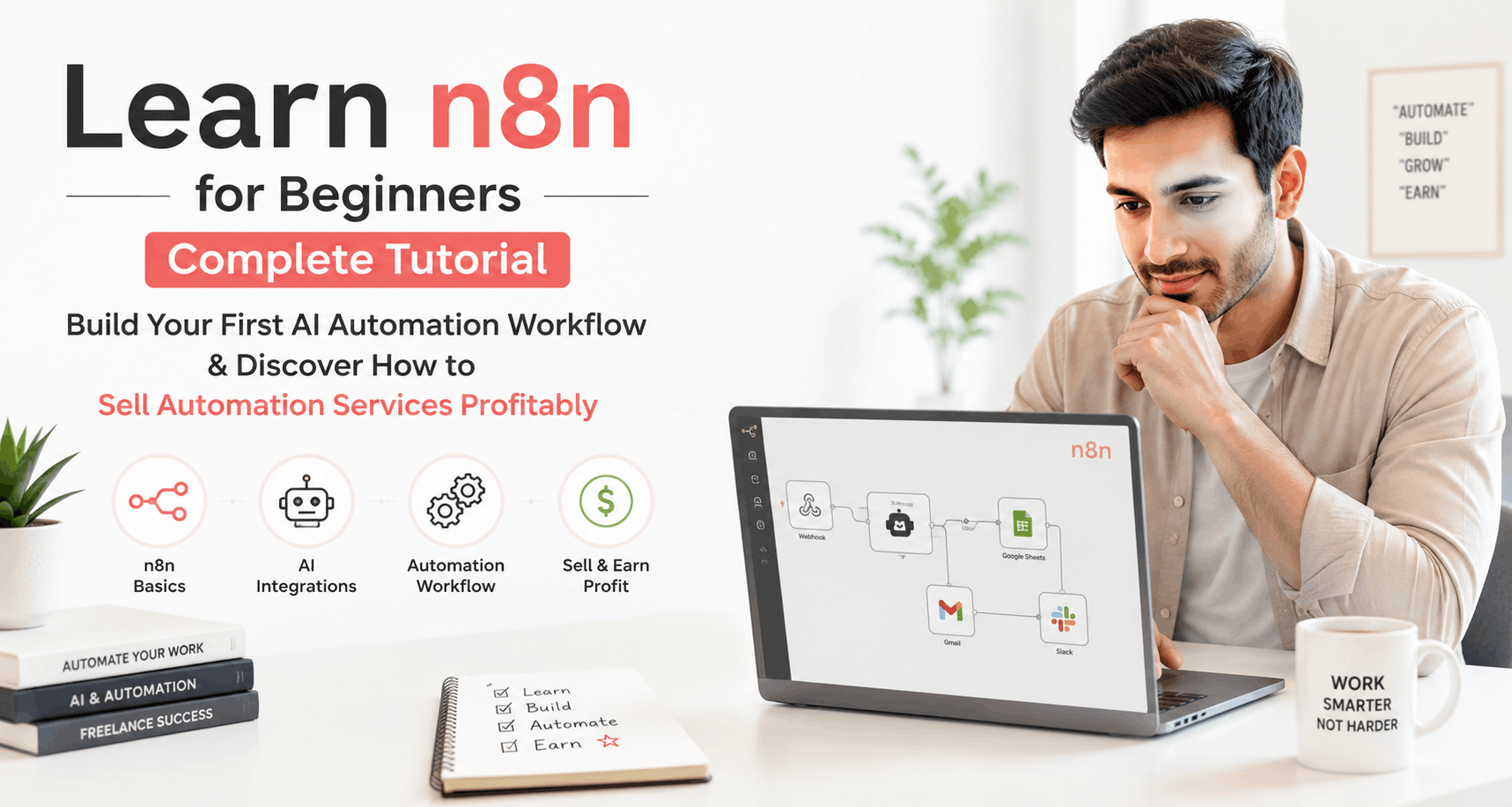
n8n for Beginners: Build and Sell Your First AI Automation Workflow

What if you could build powerful automations without writing a single line of code—and then sell them to businesses hungry for efficiency? That’s exactly what n8n makes possible, and thousands of freelancers are already cashing in on this opportunity.
If you’ve been searching for an n8n tutorial that actually shows you how to get started from scratch, you’re in the right place. This guide is designed specifically for n8n for beginners who want to learn the platform, create their first AI automation workflow, and eventually turn their skills into a profitable service business.
The best part? You don’t need a technical background. With no code automation tools like n8n, anyone can become an automation expert. Let’s dive in and get you started on your journey.
What Is n8n and Why Should Beginners Care?
N8n (pronounced “n-eight-n”) is an open-source workflow automation tool that connects different apps and services together. Think of it as a bridge between your favorite tools—Gmail, Slack, Google Sheets, ChatGPT, and hundreds more.
Unlike other automation platforms, n8n gives you complete control. You can host it yourself, customize workflows endlessly, and integrate AI capabilities without paying premium subscription fees.
Here’s why n8n stands out for beginners:
- Visual workflow builder – Drag and drop nodes instead of writing code
- Free to start – Self-host the community edition at no cost
- AI-ready – Built-in integrations with OpenAI, Claude, and other AI tools
- Growing demand – Businesses everywhere need automation help
- Active community – Tons of templates and tutorials available
Whether you want to automate your own tasks or sell automation services to clients, n8n provides the perfect starting point.
Setting Up n8n: Your First Steps
Getting started with n8n takes less than five minutes. You have two main options for setup, and both work great for beginners.
Option 1: n8n Cloud (Easiest)
The fastest way to start is using n8n’s hosted cloud service. Simply visit their website, sign up for a free trial, and you’re ready to build. No installation required. This option is perfect if you just want to learn without dealing with technical setup.
Option 2: Self-Hosting (More Control)
For those who want complete control and zero monthly fees, self-hosting is the way to go. You can run n8n on your own computer using Docker or deploy it to a cloud server. Many freelancers prefer this method because it eliminates recurring costs and gives them ownership of their workflows.
Once you’ve chosen your setup method, log into the n8n interface. You’ll see a clean canvas where all the magic happens. The left sidebar shows available nodes (apps and actions), and the main area is where you’ll build your automation workflows.
Understanding the n8n Interface
Before building your first workflow, let’s understand the key components you’ll work with:
Nodes are the building blocks of every automation. Each node represents an action—sending an email, reading a spreadsheet, calling an API, or processing data with AI. You connect nodes together to create a complete workflow.
Triggers start your automation. They listen for specific events like receiving an email, a webhook call, or a scheduled time. Every workflow needs at least one trigger.
Connections are the lines linking nodes together. Data flows through these connections from one node to the next, getting transformed along the way.
Credentials store your login information for connected apps. Set these up once, and n8n remembers them for future workflows.
Build Your First AI Automation Workflow
Now comes the exciting part—creating your first AI-powered automation. We’ll build something practical: an automated email summarizer that uses AI to condense long emails into quick summaries.
Step 1: Create the Trigger
Click the plus button to add your first node. Search for “Gmail” (or your email provider) and select the trigger option. Configure it to watch for new emails in your inbox. This node will start the automation whenever a new email arrives.
Step 2: Add the AI Processing Node
Next, add an OpenAI node. Connect it to your email trigger by dragging a line between them. In the OpenAI node settings, choose the “Chat” action and write a prompt like: “Summarize the following email in 2-3 sentences: {{$json.body}}”
The curly braces pull in the email content from the previous node. This is where the AI automation workflow magic happens—the AI reads your email and creates a concise summary.
Step 3: Send the Summary Somewhere
Finally, add a destination for your summary. You could send it to Slack, save it to a Google Sheet, or create a Notion page. For this example, let’s use Slack. Add a Slack node, connect it to the OpenAI node, and configure it to send the AI summary to your chosen channel.
That’s it! You’ve built a complete AI automation workflow. Click “Execute Workflow” to test it, then activate the workflow to run automatically.
Five Profitable Automation Ideas to Sell
Learning n8n is great, but making money with it is even better. Here are five automations businesses will pay for:
1. Lead Capture and Notification System
Automatically collect form submissions, enrich lead data using AI, and notify sales teams via Slack or email. Small businesses love this because it speeds up their response time.
2. Social Media Content Scheduler
Create workflows that take blog posts, generate social media variations using AI, and schedule them across multiple platforms. Marketing agencies pay well for this service.
3. Customer Support Ticket Router
Use AI to analyze incoming support tickets, categorize them by urgency, and route them to the right team member. This saves hours of manual sorting every week.
4. Invoice Processing Automation
Extract data from invoices using AI, update accounting software, and send payment reminders automatically. Bookkeepers and accountants need this desperately.
5. Competitor Monitoring System
Monitor competitor websites for changes, summarize updates with AI, and deliver weekly reports. Business owners will happily pay for competitive intelligence.
If you’re serious about building a business around automation services, consider exploring resources at AI Workflow India for additional training and workflow templates designed specifically for service providers.
How to Sell Automation Services Successfully
Building workflows is only half the equation. To actually sell automation services, you need to understand what businesses want and how to communicate your value.
Find Your Target Market
Don’t try to sell to everyone. Pick a niche you understand—maybe real estate agents, e-commerce stores, or marketing agencies. When you specialize, you can speak their language and solve their specific problems.
Calculate the ROI for Clients
Businesses don’t buy automation—they buy time savings and results. If your workflow saves a business owner five hours per week, that’s 20 hours per month. At $50/hour, that’s $1,000 in monthly value. Price your services accordingly.
Start with Simple Projects
Your first few clients should get straightforward automations. This builds your confidence and creates case studies you can show future clients. As you gain experience, take on more complex projects and charge higher rates.
Offer Maintenance Packages
One-time projects are nice, but recurring revenue is better. Offer monthly maintenance packages that include monitoring, updates, and small adjustments. This creates predictable income and long-term client relationships.
Many successful automation freelancers started exactly where you are now. The demand for no code automation experts continues to grow as more businesses discover what’s possible.
Common Mistakes Beginners Should Avoid
Learning any new skill comes with pitfalls. Here are the most common mistakes n8n beginners make and how to avoid them:
Overcomplicating workflows – Start simple. A workflow with three nodes that works perfectly beats a complex system that breaks constantly.
Ignoring error handling – Always add error handling to your workflows. What happens if an API fails? Plan for problems before they occur.
Not testing thoroughly – Test every workflow with multiple scenarios before deploying. Send test data through and verify each step works correctly.
Forgetting documentation – Document your workflows with notes and clear naming conventions. You’ll thank yourself later when you need to update something.
Pricing too low – New freelancers often undercharge dramatically. Research market rates and value your expertise appropriately.
Resources to Accelerate Your Learning
The fastest way to improve is by studying what others have built. The n8n community shares thousands of workflow templates you can import, study, and modify.
YouTube tutorials cover everything from basic concepts to advanced techniques. Search for “n8n tutorial” and you’ll find hours of free education.
For those wanting structured learning paths and done-for-you templates, professional resources like those offered at AI Workflow India can dramatically shorten your learning curve.
Join the n8n community forum and Discord server. Ask questions, share your work, and connect with other automation enthusiasts. The community is incredibly helpful and welcoming to newcomers.
Frequently Asked Questions
Is n8n completely free to use?
Yes, the n8n community edition is completely free when you self-host it. You can also try their cloud version with a free trial. For most beginners learning no code automation, the free options provide everything needed to get started and build impressive workflows.
How long does it take to learn n8n well enough to sell services?
Most dedicated learners can build basic automations within a few days and feel confident selling simple services within 2-4 weeks. Building expertise for complex AI automation workflow projects typically takes 2-3 months of consistent practice and real-world projects.
Do I need programming knowledge to use n8n?
No programming knowledge is required to get started. N8n’s visual interface handles most tasks through drag-and-drop. However, understanding basic concepts like APIs and data structures will help you build more sophisticated automations over time.
The opportunity in automation is massive and growing every day. Businesses need help connecting their tools, saving time, and leveraging AI—and you can be the person who provides that help. Start building your first workflow today, and take the first step toward a rewarding career in AI workflow automation.
Related resources
- Explore our no-code AI automation training.
- More guides in Learn AI & Careers.