
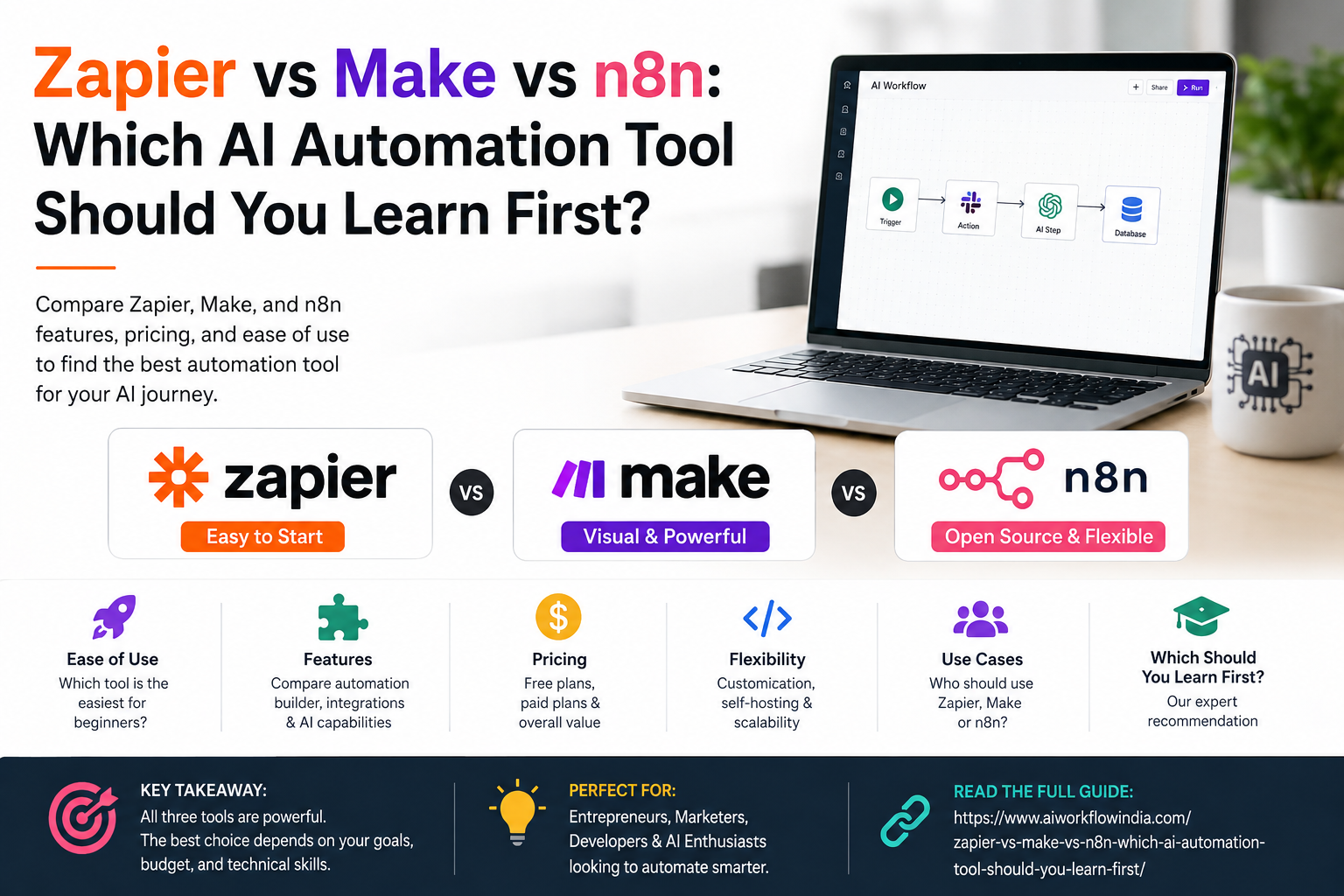
Zapier vs Make vs n8n: Which AI Automation Tool Should You Learn First?

If you’ve been exploring ways to automate your work, you’ve probably stumbled upon three big names: Zapier, Make, and n8n. But here’s the million-dollar question – which one should you learn first?
The debate around Zapier vs Make has been going on for years. Add n8n to the mix, and things get even more interesting. Each tool has its own strengths, pricing models, and learning curves. Picking the wrong one could waste your time. Picking the right one could transform your career.
In this guide, I’ll break down everything you need to know about these no code automation tools. By the end, you’ll know exactly which platform deserves your attention first. Let’s dive in.
What Are Automation Tools and Why Do They Matter?
Before we compare these platforms, let’s quickly cover the basics. Automation tools help you connect different apps and services without writing code. Think of them as digital assistants that handle repetitive tasks for you.
For example, you could automatically:
- Save email attachments to Google Drive
- Post social media updates across multiple platforms
- Send Slack notifications when you get new leads
- Create invoices when clients sign contracts
The best automation tool depends on your specific needs, technical comfort level, and budget. That’s what we’re here to figure out.
Zapier: The Beginner-Friendly Giant
Zapier is often the first name people hear when exploring automation. It’s been around since 2011 and connects with over 6,000 apps. That’s a massive number.
What Makes Zapier Stand Out
Ease of use is Zapier’s biggest selling point. The interface is clean and intuitive. You can create your first automation (called a “Zap”) within minutes. No technical background required.
The platform uses a simple trigger-action format. Something happens in one app (trigger), and Zapier performs an action in another app. It’s straightforward logic that anyone can understand.
Zapier’s Limitations
However, Zapier isn’t perfect. The pricing can get expensive quickly, especially if you need multi-step automations. The free plan only allows 100 tasks per month. For businesses with high-volume needs, costs add up fast.
Also, n8n vs Zapier comparisons often highlight that Zapier’s workflows are more linear. Complex branching logic isn’t its strong suit. If you need sophisticated workflows, you might feel limited.
Make.com: The Visual Workflow Powerhouse
Make (formerly Integromat) takes a different approach. Instead of linear workflows, it uses a visual canvas where you can see your entire automation at once. This makes complex processes much easier to understand and manage.
Why Developers and Power Users Love Make
The visual interface is genuinely impressive. You can create branches, loops, and error handlers with drag-and-drop simplicity. For anyone building sophisticated automations, this flexibility is invaluable.
Make also offers better value for money. Their free plan includes 1,000 operations per month—ten times more than Zapier. Paid plans are generally more affordable too, especially for small businesses and freelancers.
If you’re serious about mastering this platform, following a quality Make.com tutorial can dramatically speed up your learning. The visual nature of Make means you’ll grasp concepts faster once you understand the basics.
The Learning Curve Challenge
Here’s the catch: Make has a steeper learning curve than Zapier. The interface can feel overwhelming at first. Terms like “scenarios,” “modules,” and “operations” might confuse beginners.
That said, the investment pays off. Once you understand Make’s logic, you can build automations that would be impossible or extremely expensive in Zapier.
n8n: The Open-Source Contender
Now let’s talk about the dark horse in this race. n8n is an open-source automation tool that’s been gaining serious momentum. It combines the best aspects of both Zapier and Make while adding unique advantages.
What Sets n8n Apart
First, n8n is self-hostable. You can run it on your own servers, which means complete control over your data. For companies with strict privacy requirements, this is huge.
Second, the pricing model is different. You can use n8n for free if you self-host. Their cloud version is also reasonably priced. This makes it attractive for startups and individual developers.
When comparing n8n vs Zapier, the technical capabilities clearly favor n8n. You can write custom JavaScript code, manipulate data extensively, and build workflows that rival professional development projects.
Who Should Consider n8n
n8n is ideal for:
- Developers who want code-level control
- Companies with data privacy concerns
- Users comfortable with technical setup
- Anyone wanting maximum flexibility without high costs
However, n8n isn’t for everyone. Setting up a self-hosted instance requires technical knowledge. The interface, while powerful, assumes some familiarity with programming concepts.
Head-to-Head Comparison: Zapier vs Make vs n8n
Let’s break this down into key factors that matter most.
Pricing Comparison
Zapier: Free plan with 100 tasks/month. Paid plans start at $19.99/month for 750 tasks.
Make: Free plan with 1,000 operations/month. Paid plans start at $9/month for 10,000 operations.
n8n: Free for self-hosting. Cloud plans start at €20/month for 2,500 executions.
For cost-conscious users, Make and n8n clearly offer better value. Zapier’s pricing reflects its premium positioning and larger app library.
Ease of Learning
Zapier wins for absolute beginners. You can be productive within an hour. Make requires a few days to feel comfortable. n8n might take a week or more, depending on your technical background.
However, the time invested in learning Make or n8n opens doors to more advanced automations. It’s a tradeoff between quick wins and long-term capabilities.
Integration Options
Zapier leads with 6,000+ app integrations. Make offers around 1,500 integrations. n8n provides about 400 native integrations but allows custom API connections.
If you need a specific niche app, check availability before committing to any platform. Zapier’s library is hard to beat for coverage.
Which Tool Should You Learn First?
After years of working with all three platforms, here’s my honest recommendation.
Choose Zapier If:
- You’re completely new to automation
- You need quick results without a learning curve
- Your automations are relatively simple
- Budget isn’t a primary concern
Choose Make If:
- You want the best balance of power and usability
- Visual workflow design appeals to you
- You need complex branching and logic
- Value for money matters
Choose n8n If:
- You have technical skills or want to develop them
- Data privacy and self-hosting are priorities
- You need maximum customization
- You prefer open-source solutions
For most people starting their automation journey, I recommend beginning with Make. It offers the sweet spot between accessibility and capability. You’ll learn transferable concepts that apply to any automation tool.
If you want structured guidance on building real-world automations, check out the resources at AI Workflow India. They offer practical training designed for Indian professionals and businesses looking to master these no code automation tools.
Real-World Applications to Get You Started
Theory is great, but let’s talk practical applications. Here are starter project ideas for each platform:
Zapier Project: Connect your contact form to a Google Sheet and send automatic welcome emails. Simple, useful, and achievable in under 30 minutes.
Make Project: Build a social media scheduler that pulls content from a spreadsheet, generates images, and posts across multiple platforms with approval workflows.
n8n Project: Create a custom CRM integration that syncs data between multiple tools, applies business logic, and generates automated reports.
Start small and build complexity over time. Every expert started with basic automations.
The Future of Automation Tools
All three platforms are rapidly adding AI capabilities. Zapier has introduced AI-powered workflow suggestions. Make now offers AI modules for content generation. n8n integrates with various AI models for advanced processing.
Learning any of these tools positions you well for the future. Automation skills are increasingly valuable as businesses seek efficiency gains. The best automation tool is ultimately the one you actually use and master.
Frequently Asked Questions
Is Make better than Zapier for beginners?
Make has a steeper learning curve than Zapier, so absolute beginners often find Zapier easier to start with. However, Make offers better long-term value and capabilities. If you’re willing to invest a few extra days learning, Make can be an excellent choice even for beginners who want more powerful automations.
Can I use n8n without coding knowledge?
Yes, n8n can be used without coding for basic to intermediate automations. The visual workflow builder works similarly to other no code automation tools. However, to unlock n8n’s full potential—especially for self-hosting and custom integrations—some technical knowledge definitely helps.
Which automation tool has the best free plan?
Make offers the most generous free plan with 1,000 operations per month, compared to Zapier’s 100 tasks. n8n is completely free if you self-host, making it technically the best value. For cloud-based free usage with decent limits, Make wins this category.
Related resources
- Explore our no-code AI automation training.
- More guides in AI Tools for Business.