
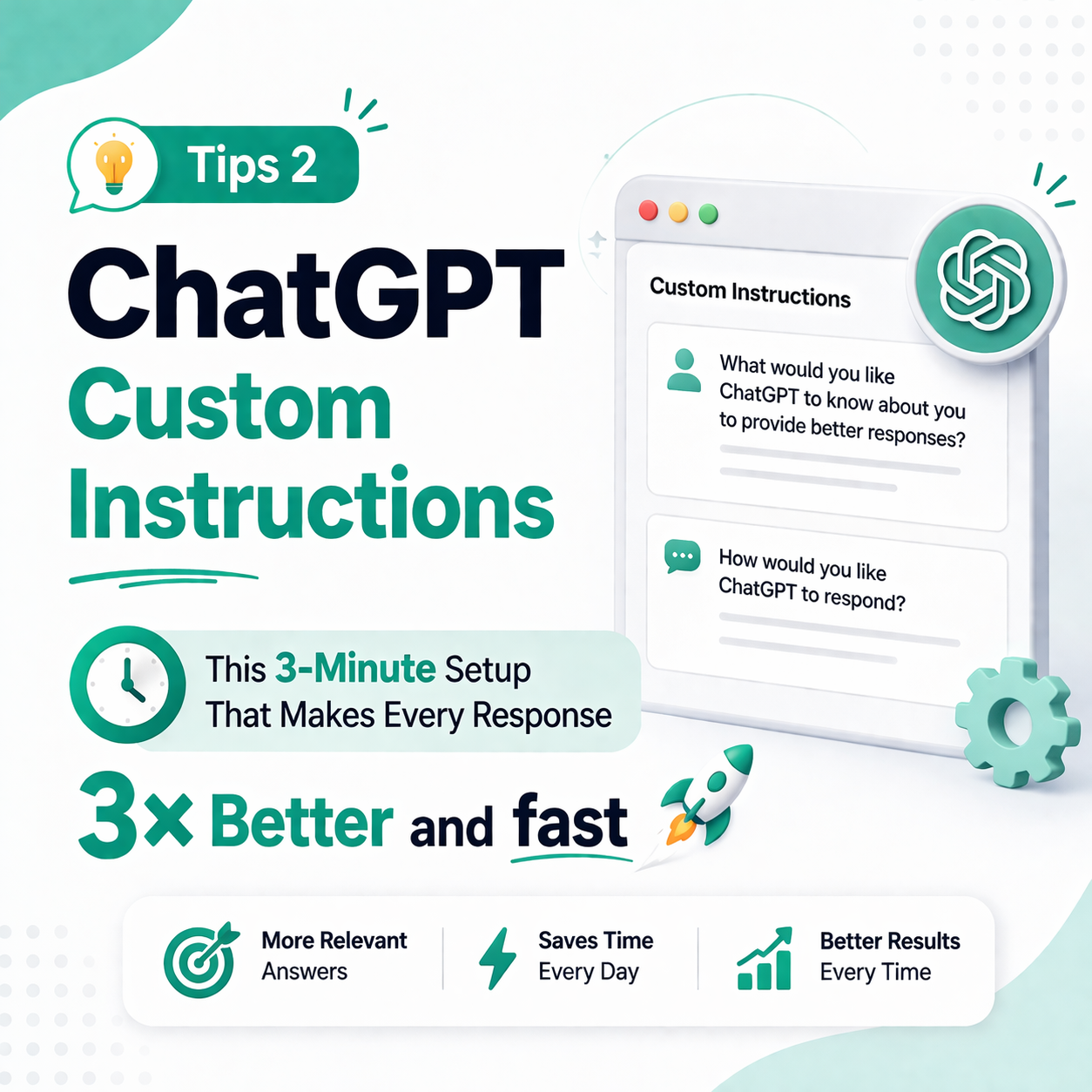
Tips 2 # ChatGPT Custom Instructions — The 3-Minute Setup That Makes Every Response 3× Better

The Problem: ChatGPT Starts Blank Every Time
Every new ChatGPT conversation begins with zero context about who you are. So you keep typing “I’m a teacher in Mumbai…” or “I run a small export business…” before getting to your actual question. This repetition kills time and reduces output quality.
The fix? Custom Instructions — a settings feature that bakes your identity and preferences permanently into every ChatGPT response.
How to Activate Custom Instructions
Go to ChatGPT → Settings → Personalization → Custom Instructions
Fill in two fields:
Field 1: “What would you like ChatGPT to know about you?” — your role, industry, location, audience.
Field 2: “How would you like ChatGPT to respond?” — tone, length, language, format preferences.
High-Impact Example for Indian Professionals
“I am a school teacher in Hyderabad teaching Class 9–10 students. I often need lesson plans, quiz questions, and parent communication emails. Always use simple English. Format lesson plans with clear objectives, activities, and homework. Keep emails under 100 words and warm in tone.”
With this set, every prompt you type — even just “create a quiz on photosynthesis” — will automatically produce perfectly formatted, appropriately toned output. Learn more about how we help educators at AI Workflow India’s school training programme.
The Time-Saving Math
If you write a 3-sentence context block per session and use ChatGPT 5 times a day, you’re writing ~75 context sentences per week. Custom Instructions eliminates all of that. It’s one of the easiest AI automation basics you can implement today.
Related resources
- Explore our free AI tools & templates.
- More guides in AI Tools for Business.