
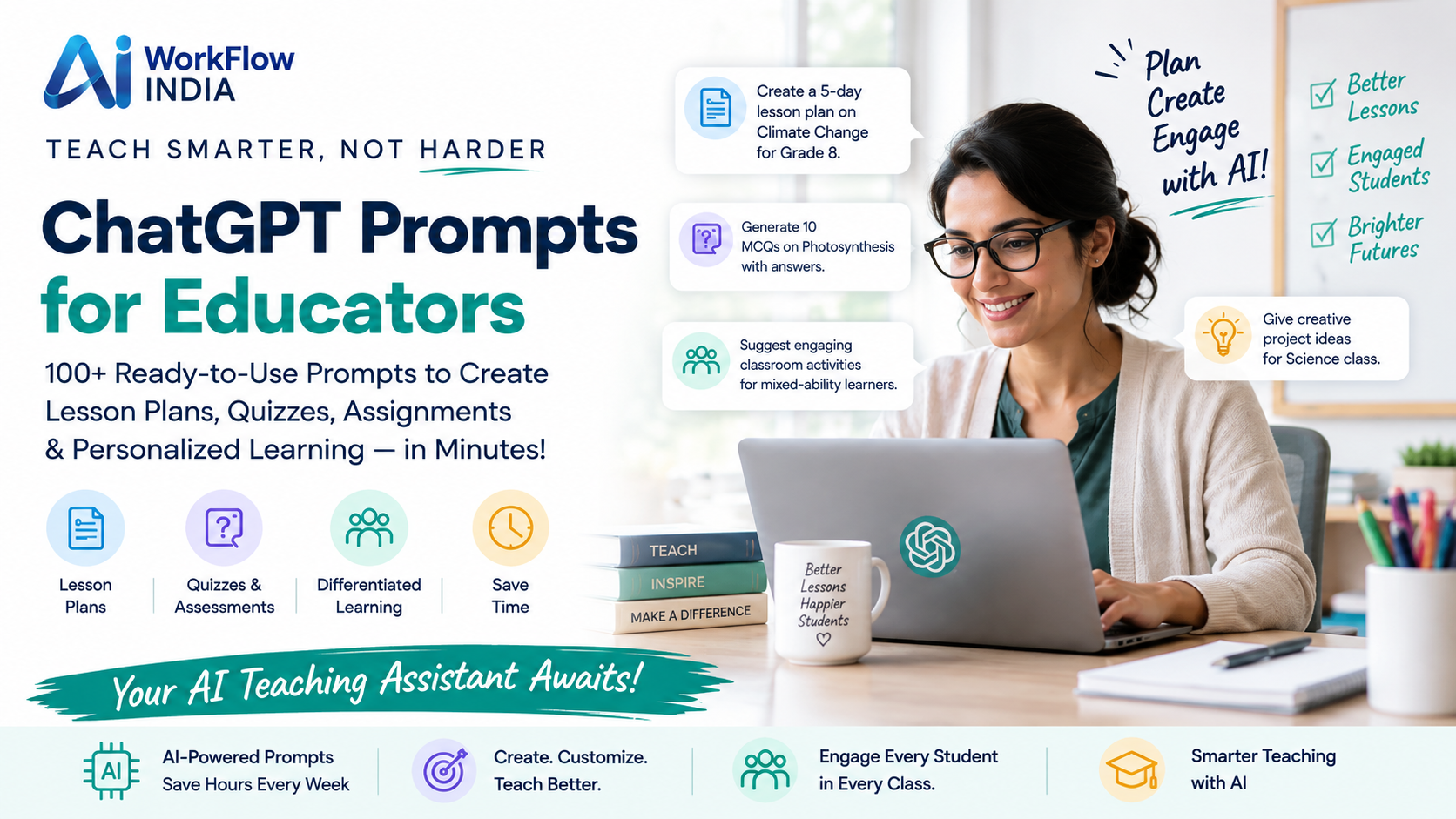
ChatGPT Prompts Every School Principal Should Know

Running a school is no small task. Between managing staff, communicating with parents, and keeping students on track, your to-do list never seems to end. But what if you had a smart assistant available 24/7 to help lighten the load?
That’s where AI for principals comes into play. ChatGPT has quickly become one of the most powerful tools for school leaders who want to work smarter, not harder. Whether you’re drafting emails, creating policies, or brainstorming ideas for school events, the right prompts can save you hours every week.
In this guide, we’ll share practical ChatGPT prompts designed specifically for school principals. These aren’t generic suggestions. They’re real-world examples you can copy, paste, and customize to fit your school’s unique needs.
Why School Principals Should Embrace AI Tools
Let’s be honest. The role of a principal has changed dramatically over the past decade. You’re no longer just an administrator. You’re a communicator, problem-solver, curriculum leader, and community builder—all rolled into one.
Artificial intelligence for school leaders offers a way to handle routine tasks faster. This means more time for what truly matters: supporting teachers and helping students succeed.
Here are some key benefits of using AI in school administration:
- Faster communication drafting for parents and staff
- Quick policy and procedure document creation
- Brainstorming support for events and initiatives
- Data analysis assistance for student performance reviews
- Professional development planning made simple
The best part? You don’t need to be a tech expert. If you can type a question, you can use ChatGPT effectively.
Essential ChatGPT Prompts for Daily Communication
Communication takes up a huge chunk of any principal’s day. From parent newsletters to staff memos, the words you choose matter. These prompts help you communicate clearly and professionally.
Parent Communication Prompts
Prompt 1: “Write a friendly email to parents announcing our upcoming parent-teacher conference week. Include dates, how to sign up, and why attendance matters for student success.”
Prompt 2: “Draft a sensitive letter to parents explaining a recent safety incident at school. Reassure them about the steps we’re taking while remaining transparent about what happened.”
Prompt 3: “Create a welcome letter for new families joining our school mid-year. Make it warm and include key information about drop-off procedures, lunch options, and who to contact with questions.”
Staff Communication Prompts
Prompt 4: “Write a motivational Monday morning message for teachers that acknowledges their hard work and sets a positive tone for the week ahead.”
Prompt 5: “Draft a professional email reminding staff about an upcoming deadline for submitting report card grades. Keep the tone encouraging but clear about expectations.”
These simple prompts can turn a 30-minute writing task into a 5-minute review and send.
Prompts for Policy and Procedure Development
Creating school policies from scratch is time-consuming. AI for principals can generate solid first drafts that you then refine to match your school’s culture and requirements.
Prompt 6: “Create a cell phone policy for a middle school that balances student safety with practical classroom management. Include consequences for violations and exceptions for emergencies.”
Prompt 7: “Write a dress code policy that is inclusive, clear, and focuses on creating a positive learning environment rather than punishment.”
Prompt 8: “Draft guidelines for appropriate use of AI tools by students in the classroom. Address academic integrity concerns while encouraging responsible technology use.”
Remember, these AI-generated drafts should always be reviewed by your leadership team and legal counsel before implementation.
Professional Development and Teacher Support Prompts
Supporting your teachers’ growth is one of the most impactful things you can do as a principal. These prompts help you plan meaningful professional development experiences.
Prompt 9: “Design a one-hour professional development session on differentiated instruction strategies. Include an icebreaker, main content, group discussion questions, and a reflection activity.”
Prompt 10: “Create a template for constructive feedback I can give teachers after classroom observations. Focus on strengths first, then areas for growth, with specific suggestions for improvement.”
Prompt 11: “Suggest five team-building activities for a faculty meeting that take less than 15 minutes and help build trust among staff members.”
If you’re looking to take teacher AI skills to the next level, consider exploring AI teacher training for schools programs that provide structured learning paths for your entire staff.
Student Discipline and Behavior Management Prompts
Handling discipline situations requires fairness, consistency, and thoughtful communication. These prompts help you navigate tricky conversations.
Prompt 12: “Write a script for a restorative conversation with a student who has been bullying classmates. Focus on understanding the behavior, its impact on others, and creating a plan for change.”
Prompt 13: “Draft a letter to parents about their child’s repeated behavioral issues. Be factual but compassionate, and outline the support we’re providing along with consequences if behavior continues.”
Prompt 14: “Create a behavior intervention plan template that teachers can use for students struggling with classroom expectations.”
School Event and Program Planning Prompts
Planning school events requires creativity and organization. Let AI handle the brainstorming while you focus on execution.
Prompt 15: “Generate 10 unique themes for our spring school carnival that would appeal to elementary students and their families.”
Prompt 16: “Create a detailed checklist for organizing an end-of-year awards ceremony, including timeline, supplies needed, and delegation suggestions.”
Prompt 17: “Write a speech I can give at our graduation ceremony that inspires students to embrace challenges and continue learning throughout life. Keep it under 5 minutes when read aloud.”
Data Analysis and Strategic Planning Prompts
Making data-driven decisions is essential for modern school leadership. These prompts help you make sense of numbers and plan strategically.
Prompt 18: “I have attendance data showing a 15% increase in chronic absenteeism this semester. Suggest five evidence-based interventions we could implement to improve attendance rates.”
Prompt 19: “Help me create a SWOT analysis template for our school improvement plan that faculty can complete during our next planning meeting.”
Prompt 20: “Based on common challenges in urban elementary schools, suggest three measurable goals we could set for next school year related to reading proficiency.”
Tips for Getting Better Results from ChatGPT
Not all prompts are created equal. Here’s how to get the most useful responses:
Be specific about context. Instead of asking for “an email to parents,” specify the grade level, topic, and tone you need.
Include your role. Starting with “As an elementary school principal…” helps ChatGPT tailor responses appropriately.
Ask for options. Request “three different versions” of something so you can choose the best fit.
Request a particular length. Specify if you need something “under 200 words” or “detailed and comprehensive.”
Iterate and refine. If the first response isn’t quite right, ask ChatGPT to adjust the tone, add details, or simplify the language.
The more you practice using AI tools for educational leadership, the better you’ll become at crafting prompts that deliver exactly what you need.
Building an AI-Ready School Culture
Using AI yourself is just the beginning. Forward-thinking principals are helping their entire staff develop these skills. When teachers understand how to use AI in education responsibly, the whole school benefits.
Consider starting with small pilot programs. Let a few interested teachers experiment with AI tools, share what works, and help train their colleagues. This peer-to-peer approach often works better than top-down mandates.
Investing in proper training for educators ensures everyone uses these powerful tools effectively and ethically. It also helps address common concerns about academic integrity and appropriate use.
Frequently Asked Questions
Is it appropriate for principals to use AI for official school communications?
Yes, using AI to draft communications is perfectly appropriate. Think of it as a starting point. You should always review, edit, and personalize AI-generated content before sending it out. The final message should reflect your voice and your school’s values.
How can I ensure AI-generated content maintains my school’s unique voice?
Include details about your school culture, values, and communication style in your prompts. You might say, “Write this in a warm, community-focused tone that reflects our school motto of ‘Growing Together.'” Also, keep a document of phrases and approaches that work well for your community.
What are the privacy considerations when using ChatGPT for school work?
Never input student names, confidential information, or personally identifiable data into ChatGPT. Use general descriptions instead. For example, say “a 4th grade student” rather than using actual names. Always follow your district’s data privacy policies.
Related resources
- Explore our AI Ready School Initiative.
- More guides in AI for Industries.