
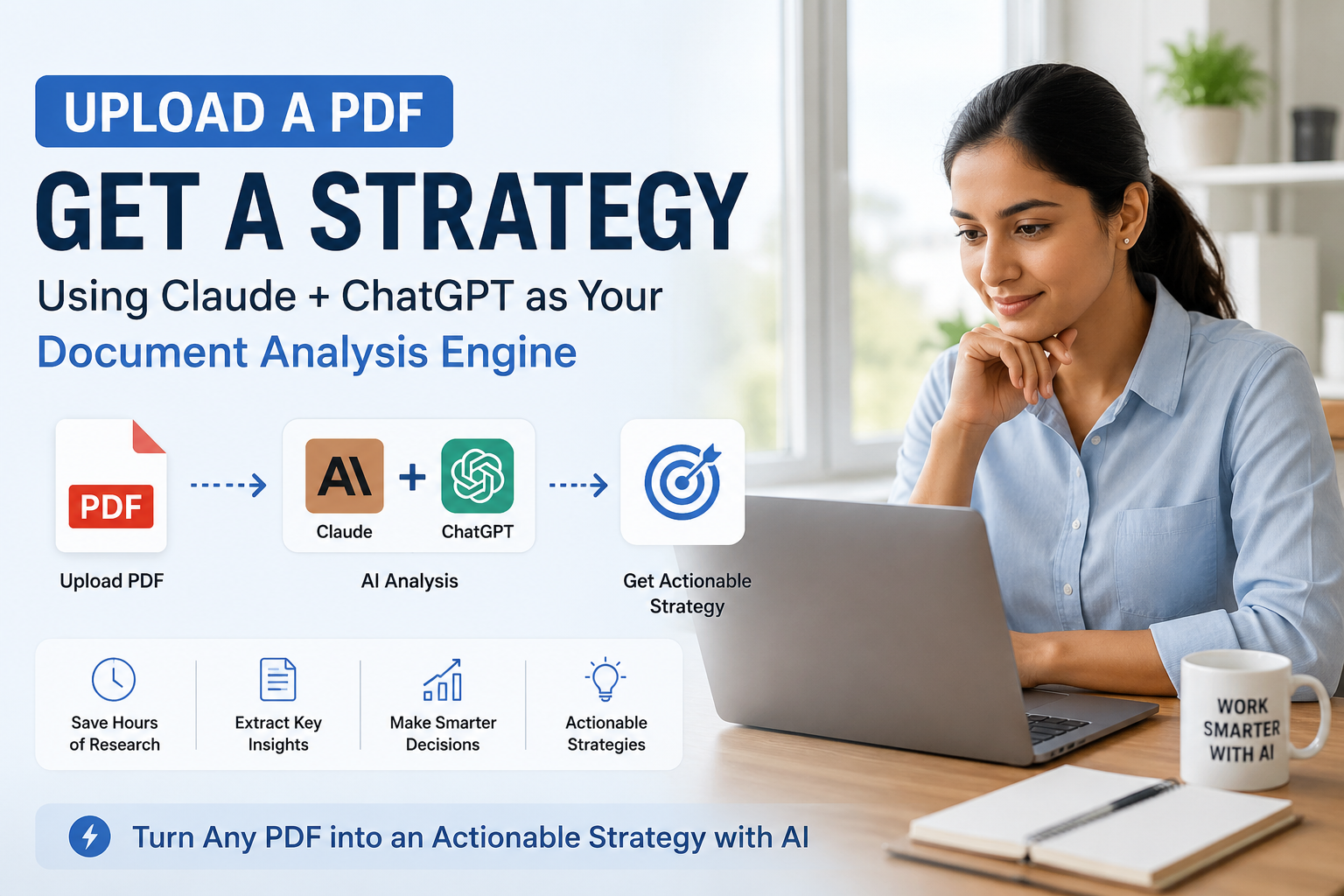
Tip #4: Upload a PDF, Get a Strategy — Using Claude & ChatGPT as Your Document Analysis Engine

The Feature Most Users Don’t Know About
Both Claude and ChatGPT (GPT-4o) can read PDFs, Word documents, and images. You can literally drag a 50-page tender document into the chat window, type “summarise the key deliverables and flag any risks,” and have a structured analysis in 30 seconds.
This single capability is replacing hours of manual reading for professionals across India — especially in legal, finance, education, and procurement.
5 Powerful Document Prompts to Try Today
- “Summarise this PDF in 10 bullet points, prioritised by importance.”
- “List every date, deadline, and obligation mentioned in this contract.”
- “Compare these two documents and highlight the key differences.”
- “What questions should I ask before signing this agreement?”
- “Rewrite the executive summary of this report for a non-technical audience.”
Claude vs ChatGPT for Document Analysis
Claude handles longer documents (up to 200,000 tokens) and is excellent for nuanced, structured analysis. It rarely misses key clauses. ChatGPT with GPT-4o is faster for quick summaries and works well with tables and financial data.
For Indian SMEs dealing with government tenders, GST documentation, or vendor contracts, this is a must-have capability. Explore our AI Tools & Templates section for ready-made prompt libraries, and see how we apply this in our SME AI webinars.
Privacy Note
For highly confidential documents, use Claude’s Privacy Mode or your organisation’s enterprise account — which ensures documents are not used for training. Always check your organisation’s data policy before uploading sensitive files.
Related resources
- Explore our free AI tools & templates.
- More guides in AI Tools for Business.