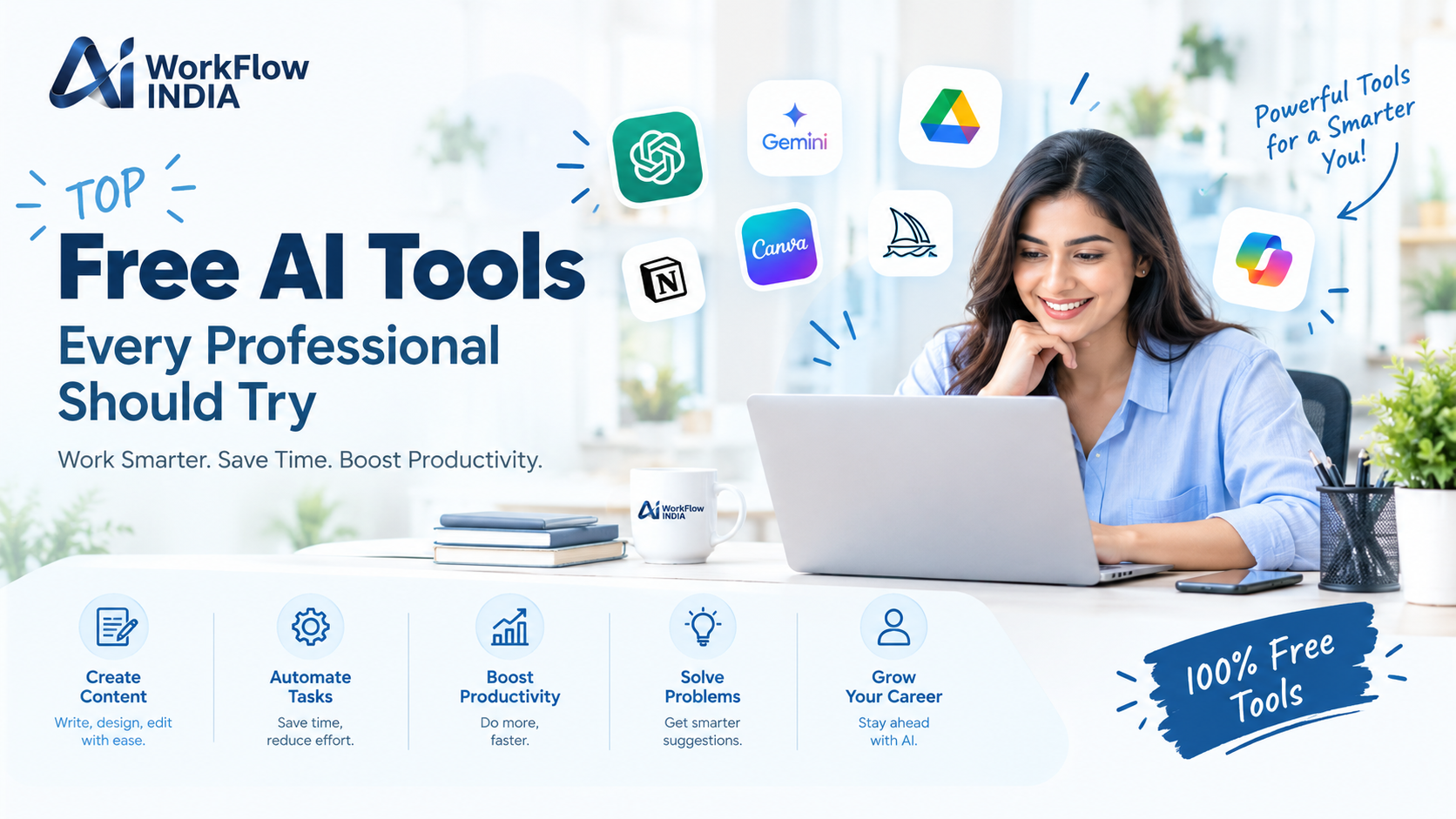
Top Free AI Tools Every Professional Should Try

Let me ask you something. When was the last time you felt overwhelmed by your workload? Yesterday? This morning? You’re not alone. The good news is that artificial intelligence has become your new best friend at work, and it won’t cost you a penny.
Free AI tools have completely changed how professionals work across every industry. Whether you’re a marketer crafting campaigns, a developer writing code, or an entrepreneur building your business, these powerful solutions can save you hours every single week. The best part? Many of them are completely free to use.
In this guide, I’ll walk you through the most valuable AI-powered tools that can transform your productivity without touching your budget. These aren’t just gimmicks they’re practical solutions that real professionals use daily.
Why Free AI Tools Matter for Today’s Professionals
The workplace has evolved dramatically over the past few years. Tasks that once took hours now take minutes. Reports that required teams can be drafted by individuals. And the barrier to entry? It’s practically gone.
Here’s why embracing these artificial intelligence tools matters:
- Time savings: Automate repetitive tasks and focus on strategic work
- Cost efficiency: Access enterprise-level capabilities without expensive subscriptions
- Competitive edge: Stay ahead of colleagues still doing things the old way
- Skill development: Learn new technologies that employers actively seek
The professionals who adapt quickly will thrive. Those who resist will struggle to keep up. It’s really that simple.
Best Free AI Writing and Content Tools
Content creation demands have never been higher. Whether you’re writing emails, blog posts, or social media updates, these AI writing assistants can help you produce better content faster.
ChatGPT Free Version
OpenAI’s ChatGPT remains the gold standard for conversational AI. The free tier gives you access to GPT-3.5, which handles most professional tasks beautifully. Use it for brainstorming ideas, drafting emails, explaining complex concepts, or even debugging code.
What makes it special? The natural conversation flow. You can refine outputs through follow-up questions until you get exactly what you need.
Google Gemini
Google’s answer to ChatGPT offers something unique—real-time internet access. This means current information, not data from months ago. It’s particularly useful for research tasks and fact-checking.
Grammarly Free
While not purely generative AI, Grammarly’s free version uses machine learning to catch grammar mistakes, spelling errors, and unclear sentences. It integrates with browsers, email clients, and document editors seamlessly.
Top AI Image and Design Tools at Zero Cost
Visual content creation used to require expensive software and professional skills. Not anymore. These free AI image generators put professional-quality visuals within everyone’s reach.
Canva Magic Studio
Canva has integrated AI throughout its free platform. Generate images from text prompts, remove backgrounds instantly, and resize designs for any platform automatically. The free tier is surprisingly generous for casual users.
Microsoft Designer
Microsoft’s design tool uses DALL-E technology to create images from descriptions. It’s perfect for social media graphics, presentations, and marketing materials. Your Microsoft account gives you free access.
Ideogram
This newer platform excels at creating images with readable text—something most AI image generators struggle with. It’s ideal for creating quote graphics, promotional materials, and branded content.
Productivity and Automation Tools Powered by AI
Working smarter means automating the mundane. These AI productivity tools handle the boring stuff so you can focus on work that actually matters.
Notion AI (Limited Free Features)
Notion’s AI assistant helps you summarize meeting notes, generate action items, and organize information effortlessly. While the full AI features require payment, the basic workspace with some AI capabilities remains free.
Otter.ai
Transform meetings with automatic transcription. The free plan offers 300 minutes monthly of transcription—enough for most professionals. It identifies speakers, highlights key points, and creates searchable archives of every conversation.
Zapier with AI
Zapier’s free tier lets you create automated workflows between apps. The AI features help you build these automations using natural language. Just describe what you want, and it creates the workflow.
If you’re serious about mastering these technologies, consider exploring professional AI learning resources to deepen your skills and stay competitive in your field.
Free AI Tools for Developers and Tech Professionals
Programmers and technical professionals have perhaps the most to gain from AI-assisted development tools. Code faster, debug smarter, and learn new languages more efficiently.
GitHub Copilot Free Tier
GitHub now offers a free tier of Copilot for individual developers. It suggests code completions, generates functions from comments, and helps you learn unfamiliar codebases quickly.
Replit AI
This browser-based coding environment includes AI assistance for writing, explaining, and debugging code. It’s fantastic for learning new programming languages or building quick prototypes.
Claude by Anthropic
Claude excels at analyzing long documents and codebases. Upload technical documentation, and it can answer questions, summarize content, and help you understand complex systems quickly.
AI Research and Analysis Tools You Should Know
Research that once took days now takes hours. These AI research assistants help you find, analyze, and synthesize information from across the internet.
Perplexity AI
Think of it as a search engine that actually answers your questions. It cites sources, provides detailed explanations, and follows up on your queries naturally. The free version handles most research needs beautifully.
Elicit
Academic professionals love Elicit for literature reviews. It finds relevant papers, extracts key findings, and helps you understand research trends without reading thousands of pages.
Consensus
Need evidence-based answers? Consensus searches academic papers and synthesizes findings on specific questions. It’s invaluable for professionals who need research-backed information quickly.
How to Choose the Right Free AI Tools for Your Needs
With so many options available, selecting the right tools can feel overwhelming. Here’s a practical framework for making smart choices:
Start with your biggest pain points. What tasks consume most of your time? What work do you dread? Look for AI solutions that address those specific challenges first.
Test before committing. Most free AI software doesn’t require credit cards. Spend a week with each tool before deciding if it deserves a permanent spot in your workflow.
Consider integration. Tools that connect with your existing software will provide more value than standalone solutions. Check compatibility before investing time in learning new platforms.
Prioritize privacy. Understand what data each tool collects and how it’s used. Some free tools monetize through data collection—make sure you’re comfortable with the tradeoff.
Getting Started: Your First Week with AI Tools
Ready to transform your productivity? Here’s a simple plan for your first week:
Day 1-2: Set up ChatGPT and use it for email drafting and brainstorming. Notice how much time you save on writing tasks.
Day 3-4: Try an AI image tool for your next presentation or social media post. Experience how quickly you can create professional visuals.
Day 5-7: Explore a tool specific to your profession. Developers should try GitHub Copilot. Researchers should test Perplexity. Marketers should experiment with content generation.
By the end of the week, you’ll wonder how you ever worked without these AI-powered solutions. The learning curve is minimal, but the productivity gains are substantial.
For those wanting structured guidance on implementing these technologies effectively, our comprehensive AI learning pathway provides step-by-step instruction tailored to working professionals.
Frequently Asked Questions
Are free AI tools safe to use for professional work?
Most reputable free AI tools from established companies like Google, Microsoft, and OpenAI are safe for general professional use. However, avoid entering sensitive company data, client information, or proprietary secrets into any AI tool. Always review privacy policies and check if your organization has specific guidelines about AI usage.
Will free AI tools replace my job?
AI tools are designed to augment human capabilities, not replace them entirely. Professionals who learn to use these tools effectively become more valuable, not less. The key is viewing AI as a productivity multiplier that handles routine tasks while you focus on creative, strategic, and relationship-building work that machines can’t replicate.
What’s the catch with free AI tools?
Free tiers typically have limitations—fewer features, usage caps, or slower processing. Companies offer free versions to attract users who may eventually upgrade to paid plans. Some also use anonymized data to improve their models. Despite these limitations, free versions often provide more than enough functionality for most professional needs.